Durable sessions
All sessions live in one SQLite database. Runs continue after a crash or restart. Tools with side effects do not run twice.
 Pico
Pico
Open source · AGPL-3.0
Pico runs on your machine and keeps every Pi session safe. Runs continue after a crash or restart. Git, files, terminals, and agent tools are all in one app.
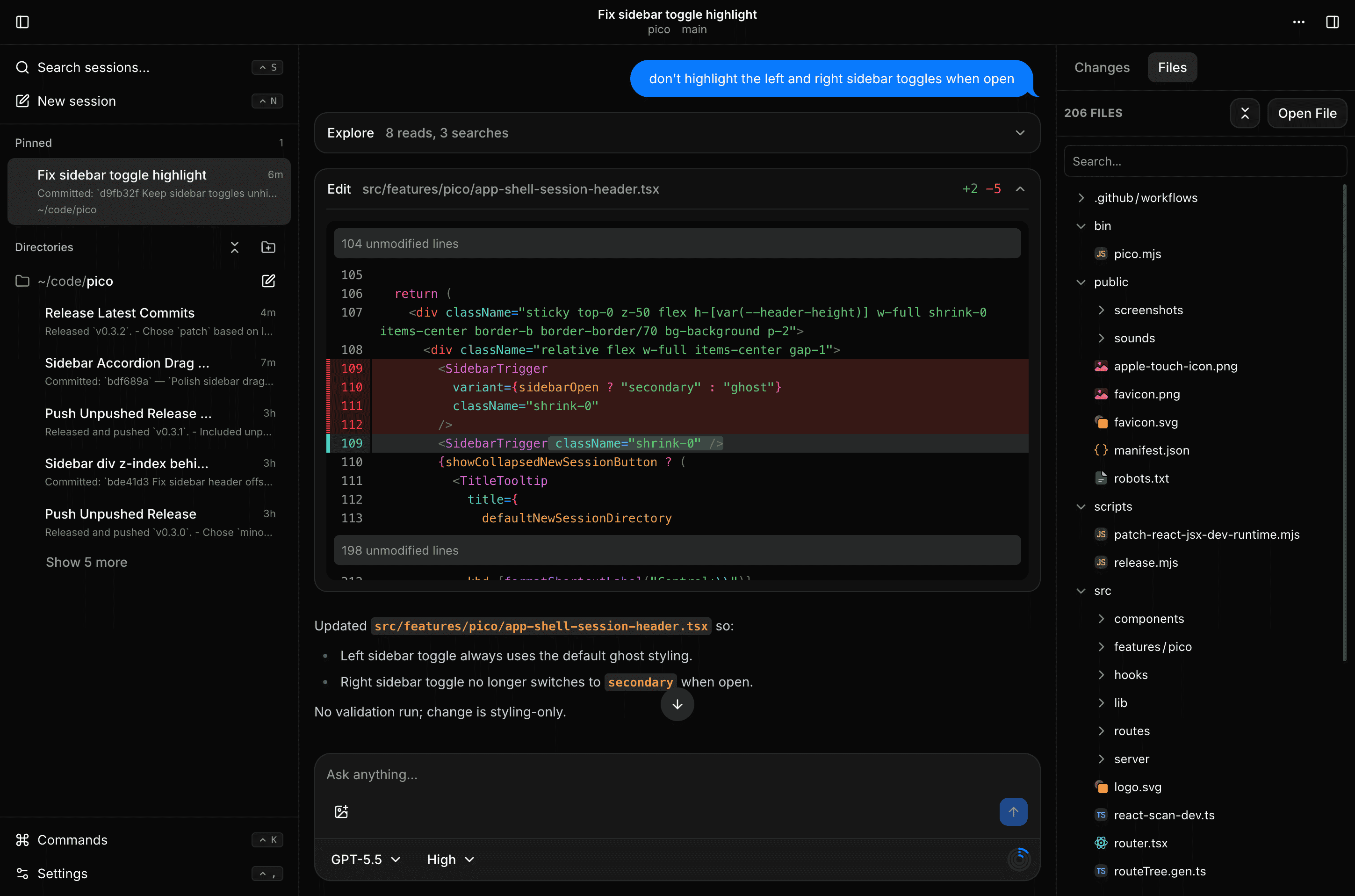
All sessions live in one SQLite database. Runs continue after a crash or restart. Tools with side effects do not run twice.
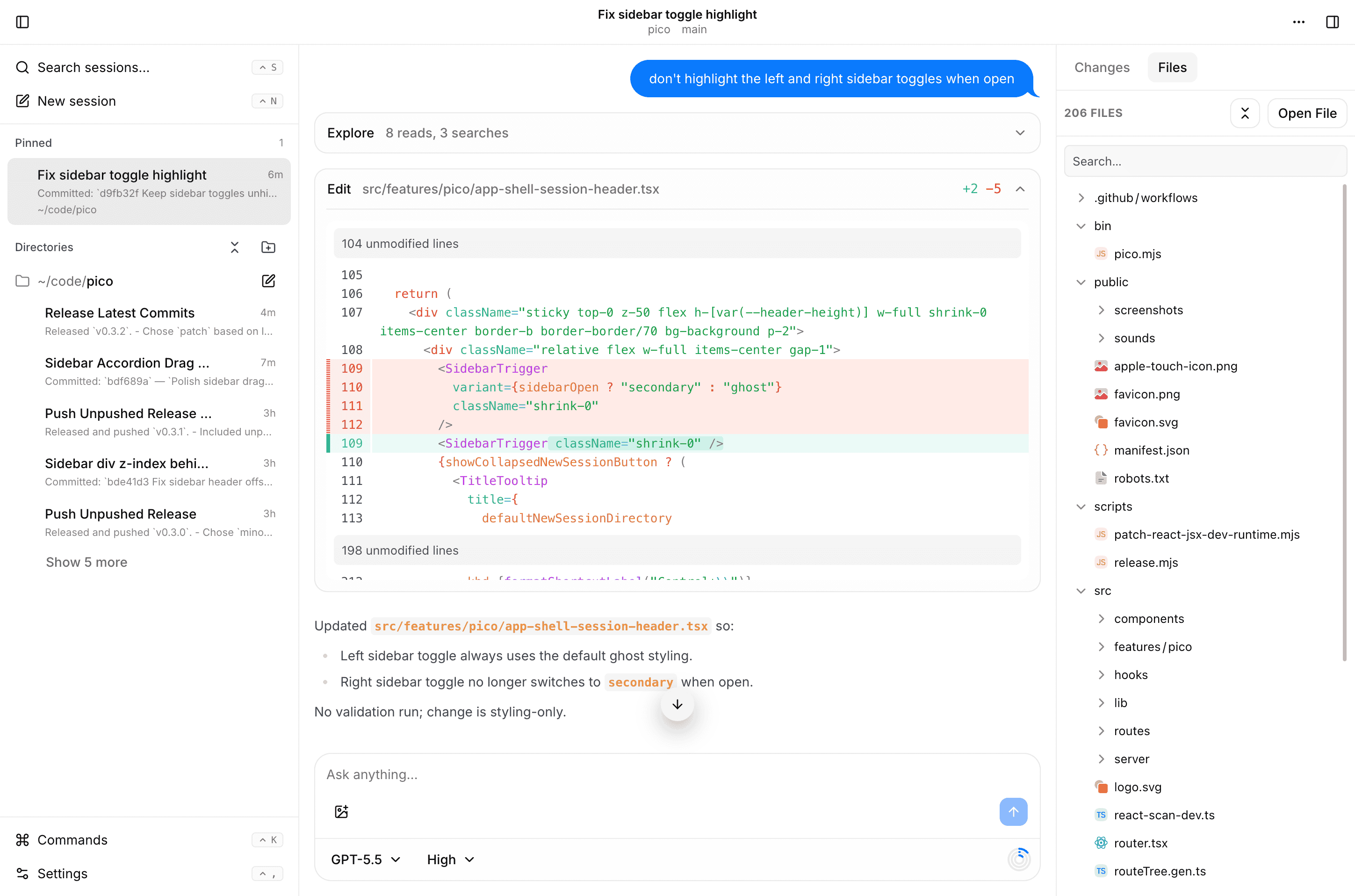
See Git changes and diffs, browse files with syntax highlighting, and open terminals next to the agent.
Todo lists, questions, charts and diagrams, timers, background jobs, child sessions in Git worktrees, LSP, browser automation, memory, web access, and MCP.
Pick full, research,
read-only, or review, or make your own.
Get Web Push or ntfy alerts when a run ends or the agent has a question for you.
Pico uses your Pi skills, prompt templates, project instructions, and credentials.
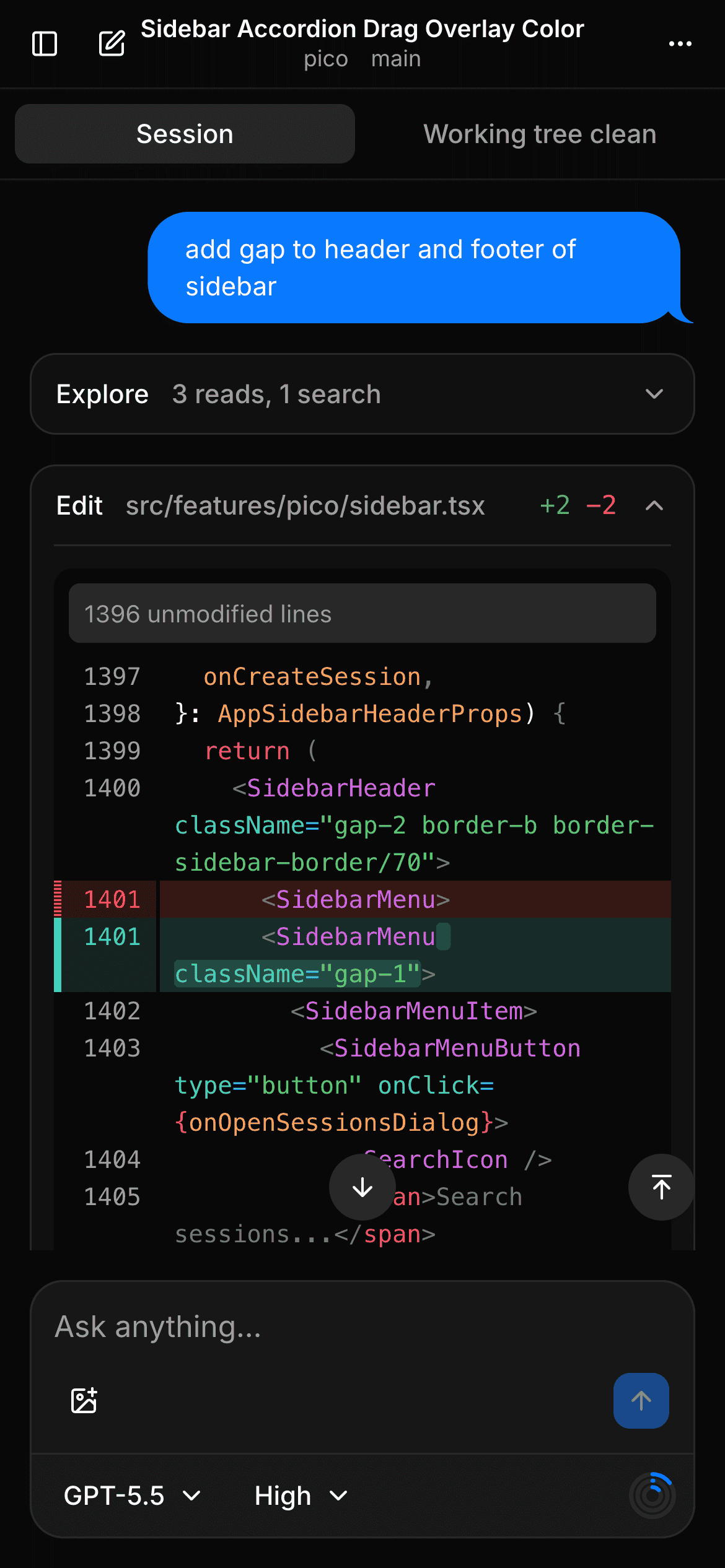
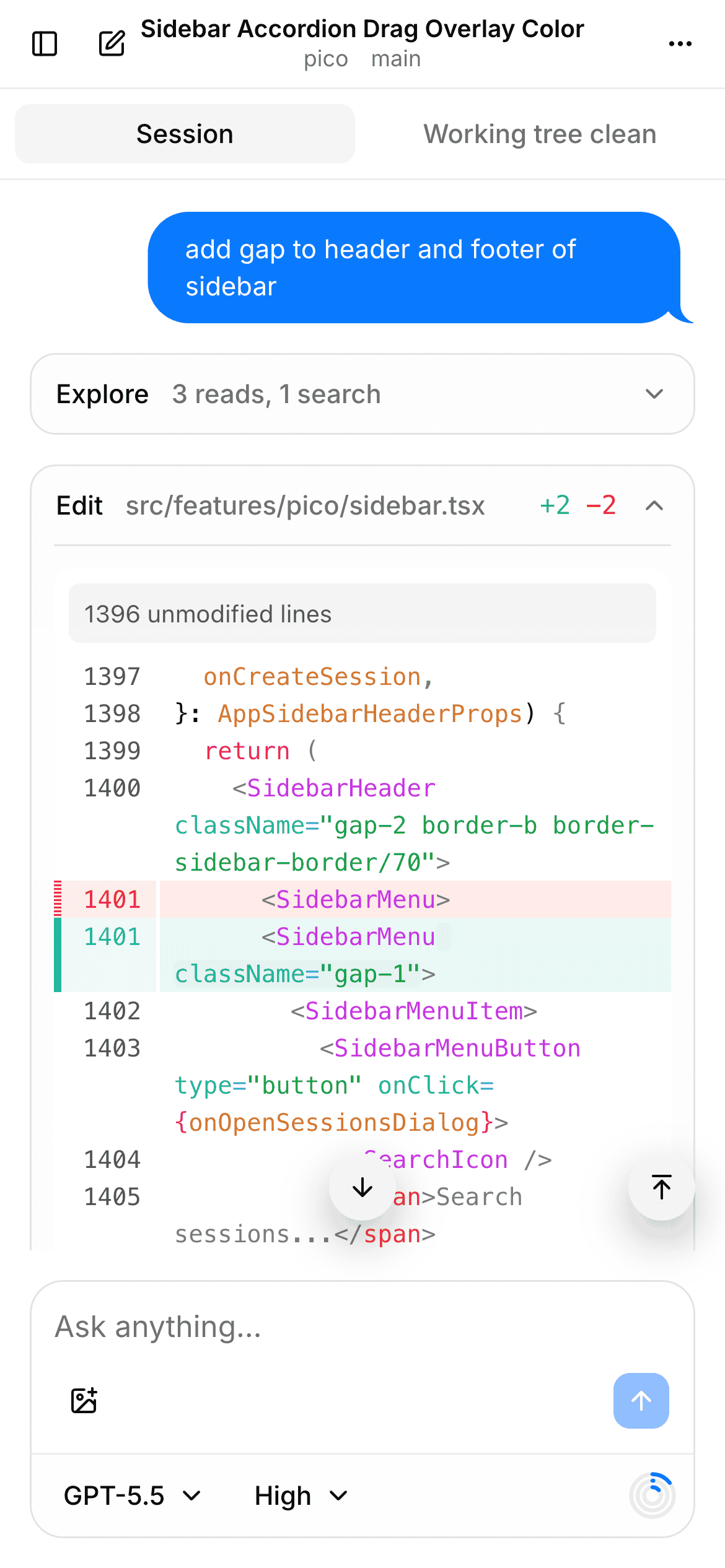
Pico works well on small screens. Connect over Tailscale and check on your agents from anywhere.
Pico has no login. Anyone who can reach it can run commands as your user. Keep it on a private network. Never expose it to the public internet.
You need Node.js 22.19 or later and Git. Install Pico from npm:
npm install -g @alivault/pico
pico-app
Pico starts and opens http://127.0.0.1:3141 in your
browser. Add provider credentials in Pico, or use the ones in
~/.pi/agent/auth.json.
To try it without a global install:
npx @alivault/picoUseful commands:
pico-app status       # is Pico running?
pico-app stop --wait  # stop after active runs finish
pico-app import-pi    # import old Pi sessions (stop Pico first)
pico-app --help
Your data is in ~/.pico. To build from source, see the
README.